Emergency & SOS Alerts

Safety in your pocket. A dedicated SOS Button for medical or security emergencies. Alerts main gate guards, family, and neighbors instantly with your Live Location.

EstateDeck SOS System transforms your smartphone into a life-saving device. Unlike calling the intercom (which can be busy), pressing the SOS button triggers a High-Priority Alarm on the Guard's tablet, bypassing silent modes and providing immediate GPS coordinates for rapid response.

Built for Critical Moments
⚡ 3-Second Response 📍 Precise Geo-Tagging 🏥 Medical Profile Sync 🔋 Low Battery Alert

Instant Activation

One Touch SOS Button

One-Touch Trigger

Help is just a tap away. Designed for panic situations.
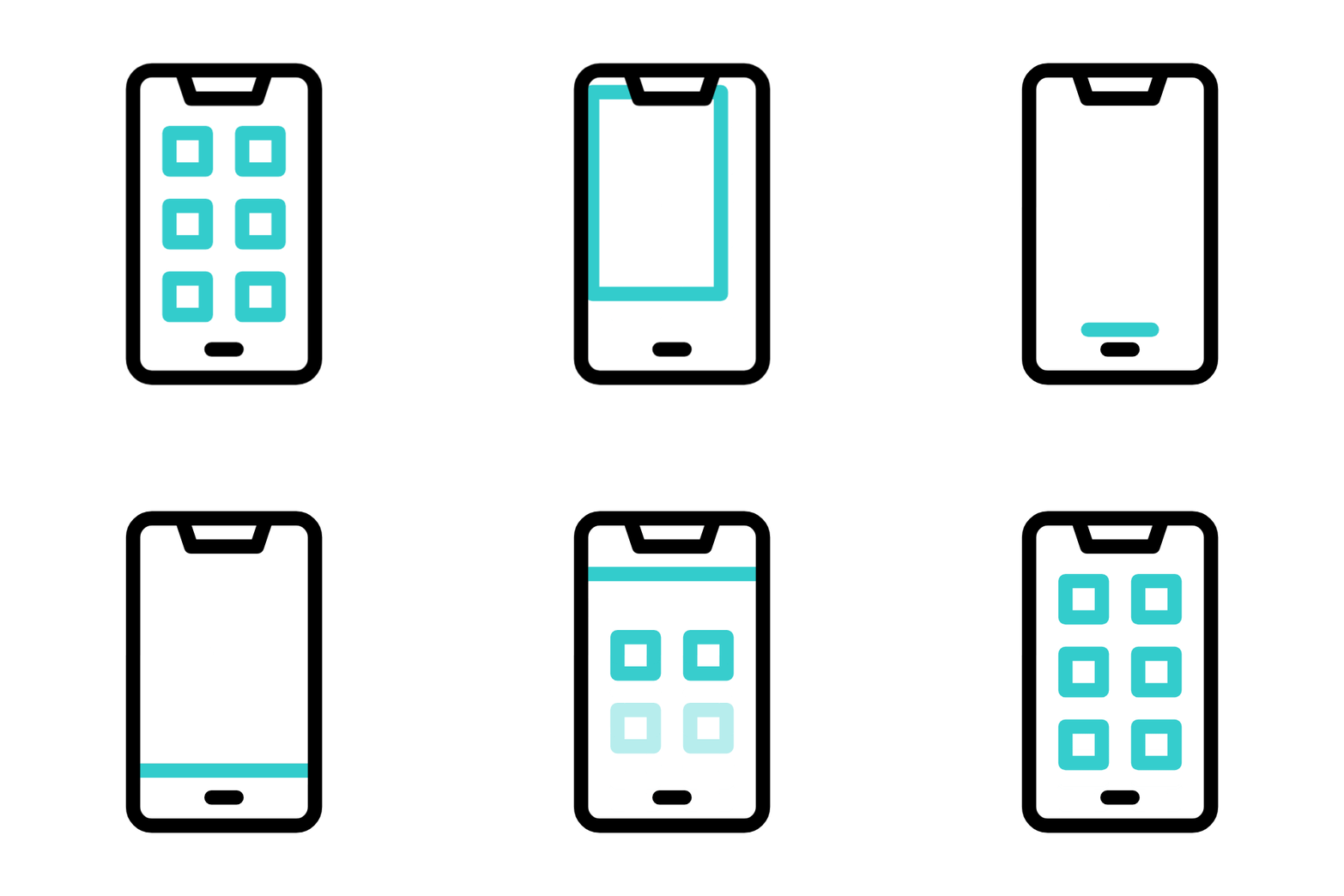
  • Lock Screen Widget: Access the SOS button without unlocking your phone or opening the app.
  • Haptic Feedback: The phone vibrates to confirm the signal has been sent successfully.
  • 5-Second Cancel: A countdown timer prevents accidental false alarms from notifying the whole society.
Multi Channel Alerts

Multi-Channel Broadcasting

We make sure the message gets delivered. No excuses.

  • Guard Siren: The security tablet plays a loud, distinct siren sound until the guard acknowledges the alert.
  • Family Call: Automatically triggers an IVR call to your emergency contacts (Spouse/Parents).
  • Neighbor Notification: Optional setting to alert 3 trusted neighbors in your building.

Intelligent Response

Emergency Type Classification

Context-Aware Alerts

Send the right help. Different workflows for different threats.
  • Medical Emergency: Alerts guards to call the ambulance and bring the wheelchair to your tower.
  • Security Threat: Alerts guards to lock the main gates and rush to your unit immediately.
  • Fire Alarm: Notifies the entire building block to evacuate safely.
Medical Info Sharing

Medical Info Sharing

Critical info when you can't speak.

  • Data Display: When SOS is triggered, your blood group, allergies, and doctor's number appear on the Guard's screen.
  • Privacy: This sensitive data is encrypted and only decrypted during an active emergency.
  • Senior Citizens: Essential for elderly residents living alone.

Hardware & Redundancy

Physical Panic Button Integration

IoT Panic Buttons

Hardware integration for common areas.
  • Common Areas: Integrate physical panic buttons in Pool areas, Gyms, and Basements.
  • In-Home Hardware: Compatible with BLE/Wi-Fi panic buttons kept at the bedside for seniors.
  • Seamless Sync: Pressing the physical button triggers the exact same digital workflow in the app.
Offline SMS Fallback

No Internet? No Problem.

Safety shouldn't depend on Wi-Fi strength.

  • SMS Trigger: If the app detects no data connection, it sends an encrypted SMS code to our server.
  • Server Processing: Our server receives the SMS and triggers the app notifications for guards/family.
  • Location Cache: Uses the last known GPS location if satellite signal is weak.

Why EstateDeck vs. Intercom?

Feature EstateDeck SOS Phone / Intercom
Speed 3 Seconds (1 Tap) 30+ Seconds (Dialing)
Reliability High (Guards can't ignore) Line might be busy
Location Auto-GPS sent Verbal explanation needed
Reach Guards + Family + Neighbors Only Guard

Safety FAQs

What if I press it by mistake?

Don't panic. The app shows a "5-second countdown" allowing you to cancel. If sent, you can tap "I'm Safe / False Alarm" to notify guards to stand down.

Do neighbors get my phone number?

No. Neighbors receive an app notification saying "Emergency at Flat 402". Your personal phone number remains masked to protect privacy.

Can I test the feature?

Yes. There is a specific "Test Mode" in the settings. This lets you simulate an alarm to verify your emergency contacts without alerting the security guards.

Don't Wait for an Emergency.

Equip your community with the best safety tool today.

Visitor SecurityGuard PatrolHelpdesk