


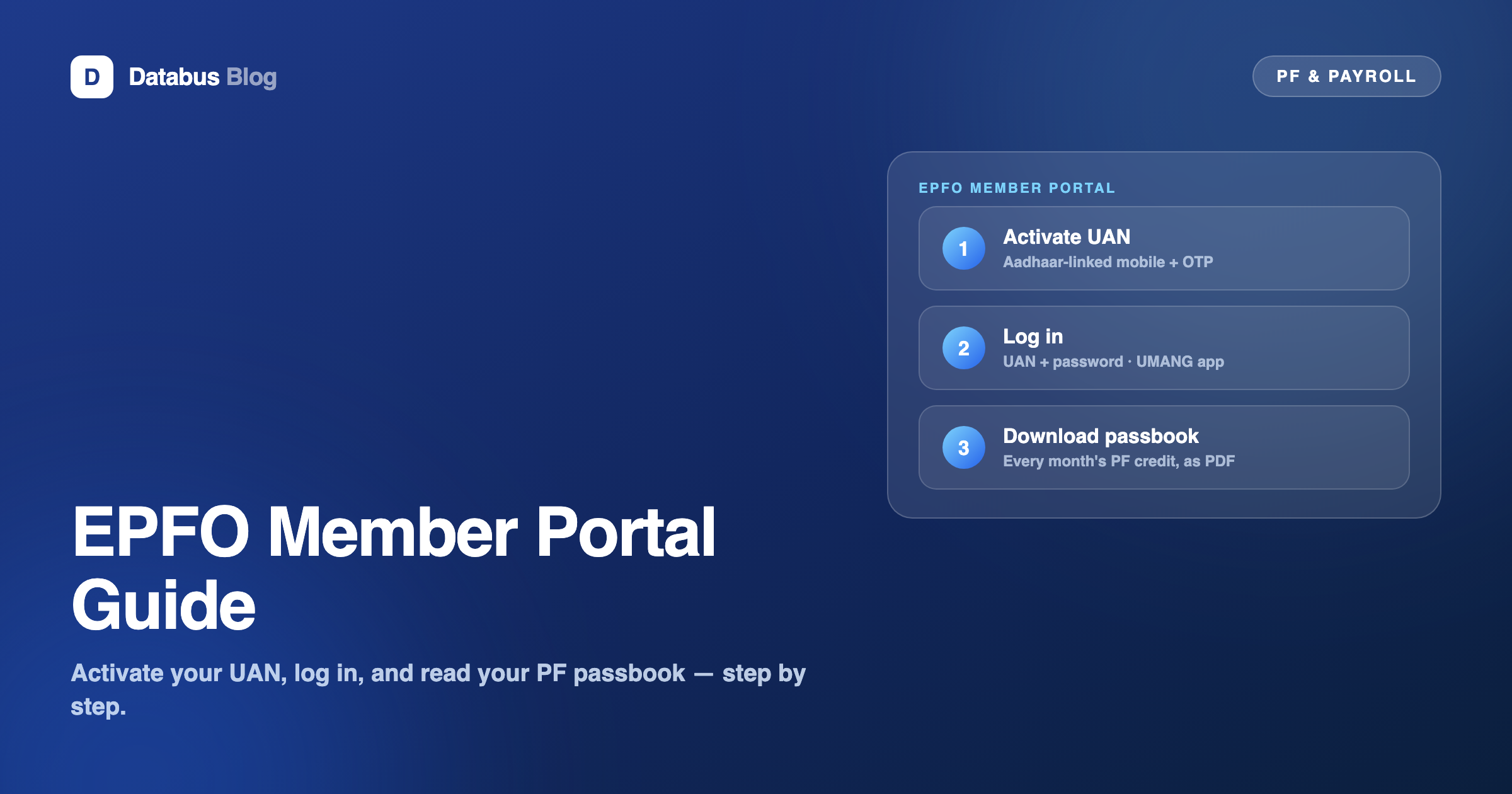
Every PF service that matters to an employee — checking that contributions were actually deposited, downloading the PF passbook, transferring old accounts, filing withdrawal claims, updating KYC — runs through the EPFO unified member portal (unifiedportal-mem.epfindia.gov.in) and its companion, the UMANG app. Both need one thing first: an activated UAN. Here is the whole flow, in order.
Step 1 — Activate your UAN
- Have three things ready: your UAN (from your payslip or HR — see what a UAN is and where to find it), your Aadhaar number, and the mobile number linked to that Aadhaar.
- On the unified member portal, choose "Activate UAN".
- Enter the details, receive the OTP on your Aadhaar-linked mobile, and set a password. Activation is one-time.
The single most common failure here is the mobile number: if your current number is not the one linked to Aadhaar, the OTP never arrives. Fix the Aadhaar mobile linkage first, then activate.
Step 2 — Log in and read your passbook
Log in with UAN + password, open the Passbook section, and select a Member ID — one entry per employer you have had. The passbook shows every monthly credit: employee contribution, employer contribution, and the pension (EPS) portion, plus annual interest. You can download it as a PDF. On the UMANG app, the same passbook is available with UAN + OTP login.
What to actually check: that contributions appear every month you were paid. A gap means your employer deducted PF but hasn't deposited it — worth raising with payroll immediately, in writing.
Step 3 — The services worth knowing
- One Member–One EPF (transfer): move an old employer's balance into your current account online.
- KYC: keep Aadhaar, PAN and bank account updated — claims bounce on KYC mismatches more than any other reason.
- Online claims: partial withdrawals and final settlement, filed against your activated UAN.
- Nomination (e-Nomination): takes minutes online and saves your family months later.
Common problems, quickly
- OTP not received — your Aadhaar-linked mobile is old. Update it at an Aadhaar centre first.
- Name/date-of-birth mismatch — portal records must match Aadhaar exactly; corrections are raised through your employer or the portal's joint-declaration process.
- Passbook not visible for an old job — that Member ID may not be linked to your UAN yet; use the transfer/linking process.
If you run payroll, this portal is your mirror
Everything an employee sees on the member portal is the downstream result of what payroll files upstream: correct UAN capture at onboarding, clean KYC, and an accurate monthly ECR. When those are right, employees' passbooks simply agree with their payslips and nobody escalates. Payroll platforms like PeopleDeck generate the statutory files from the same records that produce the payslip, which is what keeps the two sides of EPFO's mirror consistent.
A note on accuracy: portal screens, URLs and processes change as EPFO updates its systems. Treat this as orientation, and confirm current steps on the official EPFO portal. Databus is not affiliated with EPFO.
Frequently Asked Questions
How do I activate my UAN?
On the EPFO unified member portal, choose "Activate UAN", enter your UAN and Aadhaar details, verify with the OTP sent to your Aadhaar-linked mobile, and set a password. You need your UAN, Aadhaar, and the Aadhaar-linked mobile number.
How do I download my PF passbook?
Log in to the member portal with your activated UAN, open the Passbook section, select the Member ID for the employer you want, and download the PDF. The UMANG app offers the same passbook with UAN + OTP login.
Why am I not receiving the OTP during UAN activation?
The OTP goes to the mobile number linked to your Aadhaar. If your current number is different, update the mobile linked to Aadhaar first, then retry activation.
My passbook doesn't show an old employer. Why?
That employer's Member ID is probably not linked to your UAN. Use the One Member–One EPF transfer/linking process on the portal to bring the old account under your UAN.
What should I check in my PF passbook?
That employee and employer contributions appear for every month you were paid, and that annual interest is credited. A missing month means deducted PF has not been deposited — raise it with your employer in writing.