This is the scenario of running several schools at once — one cross-campus morning view that surfaces the school needing attention, across fees, admissions, results and staffing, instead of phoning five principals or waiting for five monthly reports. A use case that routes to each module.
For Trust chairmen, group CEOs & society directors · cross-campus triage · routes to per-school analytics + the Trust finance hub · a scenario, not a module.
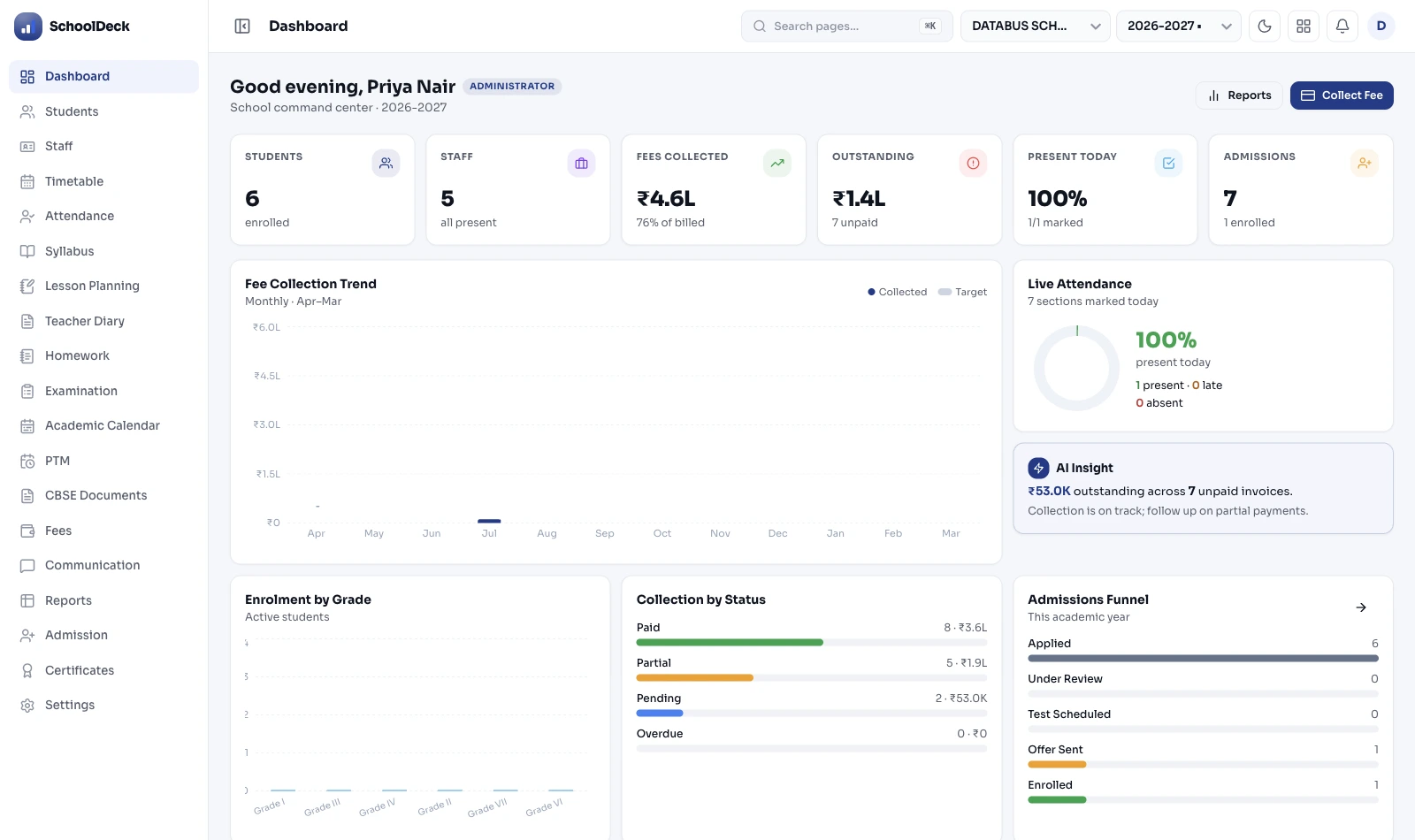
This is the use-case scenario for the person running several schools at once — a Trust chairman, group-CEO or society director. The job is group oversight: one cross-campus view that answers which school needs attention today, before the governing-body meeting, instead of five phone calls. It's a scenario that routes to the modules, not a module itself. The operational mechanism that makes several schools run as one system — Super Admin, branch access fencing, central fee-policy push, consolidated P&L roll-up — is the multi-branch feature. Per-school drill-down is the school-analytics-reporting solution; consolidated Trust finance is finance-management; the access model is role-based-access. This page is the buyer scenario that ties them together.
Mrs Rajagopal chairs a Trust running five schools. Before the governing-body meeting, she opens one view. Most campuses are fine; the value is that it points her at the one that isn't — and then hands her into the right module for the detail.
| Campus | Fees this cycle | Admissions (season) | Results trend | Staffing |
|---|---|---|---|---|
| City Campus | on track | ahead | steady | full |
| North Campus | on track | slightly slow | steady | full |
| Lake Campus | lagging | behind target | dip last term | 2 vacancies |
| South Campus | on track | on target | steady | full |
| New Town Campus | watch | on target | steady | full |
With no group view, the only way to know how each school is doing is to ring each principal — who each give a reassuring answer, so the campus quietly drifting is the last one you hear about.
Each school sends its own monthly report in its own format, arriving after the problem has already grown. By the time the numbers are comparable, the term is half over.
A group "total" looks healthy because four strong campuses mask one weak one. The Trust head needs the outlier surfaced, not blended into a comfortable average.
Each campus runs fees and report cards its own way, so "behind on collection" means something different at each, and a parent moving between campuses meets a different system each time.
Instead of phoning each principal, the Trust head opens one view showing every campus side by side. The login partitioning that makes this one system across schools — Super Admin, branch fencing — is the multi-branch feature; this scenario is what the head does with that single view.
The view surfaces the campus that's off-trend — fees lagging, admissions slow, a results dip, a staffing gap — so attention goes to the one school that needs it rather than being spread evenly across five that are mostly fine.
Having spotted the campus, the head drills into its detail — fee-collection rate, attendance, result trends — which is the per-school analytics view, owned by the school-analytics-reporting solution. The group view points; the per-school dashboard explains.
For the money question — how the Trust is doing across campuses, budgets versus actuals, the position for the auditor — the head goes to the consolidated financial hub, owned by the finance-management feature. The group view flags; finance-management consolidates.
By 11, the head has the group picture and the one or two campuses that need a decision — drawn from the real modules, not five hurried slide decks. This scenario is the orchestration; each number it shows is owned and produced by its own module.
A use-case page is the buyer's end-to-end scenario. It points at the modules that do the work — multi-branch, analytics, finance — rather than re-explaining any of them. The detail lives on each module's own page, and this page links there.
The Trust layer sits above for oversight; it doesn't merge the schools into one pool. Each campus keeps its own students, staff and records under DPDP Act 2023, with the group head's access governed by role-based rules.
Campuses are comparable because fee policies and report-card formats are standardised through the modules that own them — central fee-policy push in multi-branch, formats in academics — so "behind on fees" means the same thing everywhere.
Framework references: DPDP Act 2023 (each school's data stays that school's; group access is role-governed). This is a use-case scenario, not a separate product or module — it is a way of using SchoolDeck that a multi-school Trust buys. The multi-school operational mechanism is owned by the multi-branch feature; consolidated finance by finance-management; per-school dashboards by the school-analytics-reporting solution. This page orchestrates and routes to them.
SchoolDeck keeps the multi-school scenario and the multi-branch mechanism as separate pages on purpose — the head term "Multi-Branch School ERP" belongs to the feature, so this use case ranks for the group-oversight scenario instead and never competes with it.
The cross-campus view is the same; the shape of the group shifts the emphasis.
A charitable Trust running several schools needs the group head ready for the governing-body meeting with a comparable picture across campuses — and the consolidated finance, in finance-management, ready for the same audit.
A school chain wants every campus run to the same standard, so fee policies push centrally and report cards look the same — the standardisation owned by multi-branch, the comparison surfaced in this view.
A society running two or three campuses gets the cross-campus view without heavy structure — spotting the branch that's lagging early, then drilling into it via per-school analytics.
"I chair a Trust that runs five schools, and for years my Monday mornings were five phone calls — and every principal, naturally, told me things were fine. The one campus that was actually slipping was always the one I heard about last, usually when the monthly reports finally landed a week later in five different formats. What I needed was never another dashboard for one school — it was the view across all five, so I could see at a glance which one needed me before the trustees met at eleven. Now I open one screen, and last month it put Lake Campus in front of me — fees lagging, admissions behind, a results dip, all at once — and I went straight into that school's numbers and our Trust accounts before the meeting. I want to be precise about what this is: it isn't a separate module, and it doesn't replace our analytics or our finance system — it's the cross-campus layer that points me at the right one. The detail still lives in those modules; this just makes sure I'm looking at the right school."
What every Trust chairman, group-CEO and society director asks before running the group on one platform.
We'll show you the cross-campus group view, how it surfaces the one campus that needs attention, and how it routes into per-school analytics and the Trust finance hub — in a demo set up on a multi-school structure like yours.
Book the Group-Oversight Demo →


