


HR and payroll, done
Onboarding, attendance, leave and statutory-ready payroll for your whole workforce.
Per employee, per month · PF, ESI & TDS applied on every payslip · Part of the Databus suite
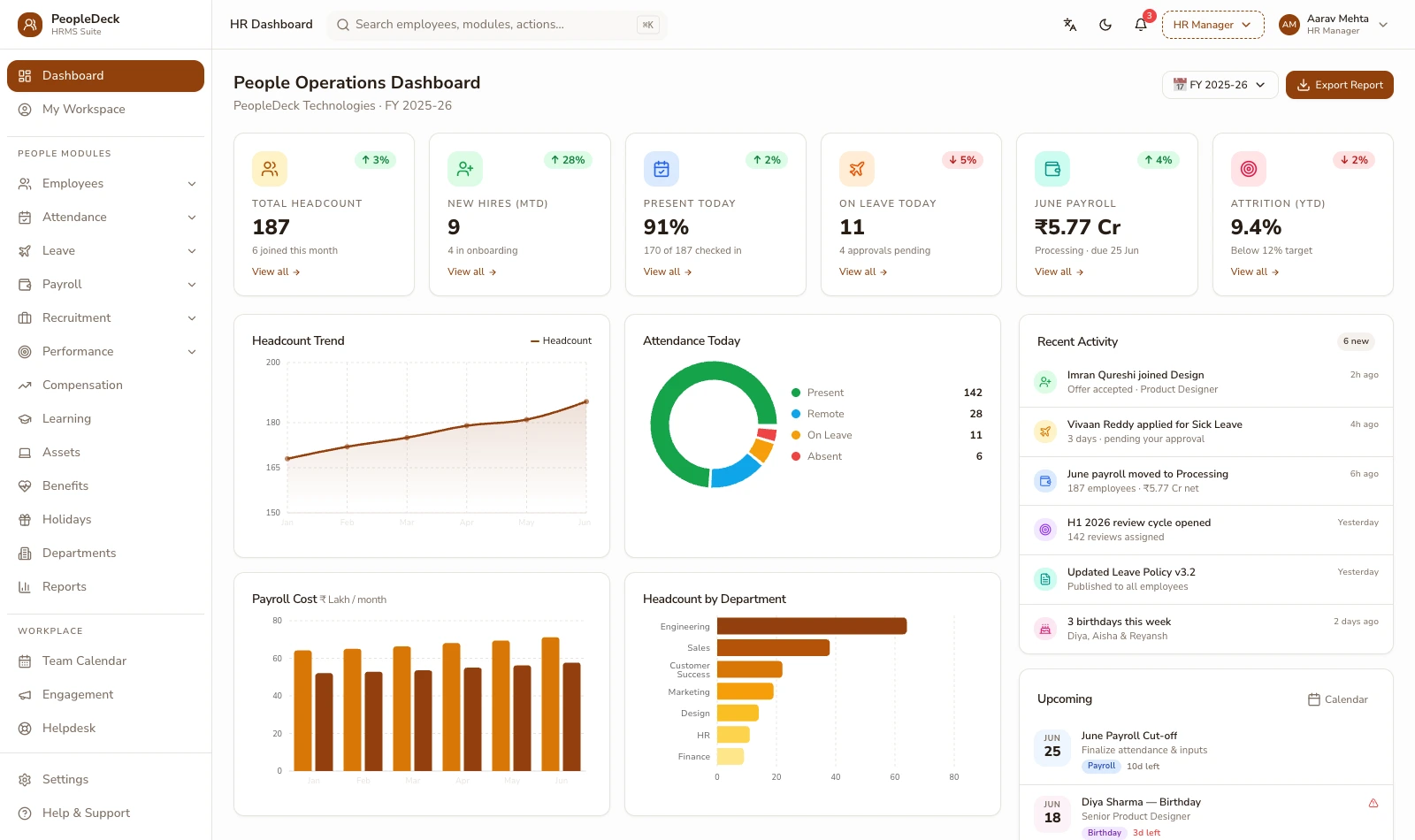
What is PeopleDeck?
PeopleDeck is a standalone HRMS and payroll platform any business can sign up for; it runs onboarding, attendance, leave, employee records and salary processing, applies PF, ESI, professional tax and TDS to every payslip, and generates upload-ready statutory return files from each approved run. It is priced per employee, per month: a six-person studio pays for six, a six-hundred-person plant pays for six hundred, and the product is the same at both ends.
Two commitments shape everything on this site. Applied, not filed: the engine computes and prepares every statutory artifact, and uploads happen only with your sign-off. Facts, not a verdict: the system computes pay, keeps records and documents decisions. It will not auto-decide a raise, a promotion or a termination, and it scores nobody. The software owns the arithmetic. People keep the judgment.
What it does
Everything PeopleDeck handles
Payroll engine
Salary structures, arrears, off-cycle runs and bank files. Every payslip is computed from attendance, statutory lines applied, with the working printed on the slip itself.
Attendance & leave
Rosters, rotating shifts and leave policies, with biometric, web and mobile punches flowing straight into the run instead of month-end spreadsheets.
Statutory compliance
PF, ESI, professional tax and TDS applied at current rates, with ECR, challan and return files generated in upload-ready form. You do the filing; nothing goes out behind your back.
Onboarding to exit
Joining checklists that make new hires payroll-ready before day one, and exits that close with a computed full-and-final statement instead of a spreadsheet argument.
Self-service
Payslips, leave balances, tax declarations, reimbursement claims and Form 16 data sit in every employee's own hands, so HR stops being a queue.
Records & reports
One employee master driving wage registers, contribution histories and cost-centre reports, with audit-ready exports falling out of every payday.
How a month runs on PeopleDeck
-
1
Attendance accumulates itself
Punches land against rosters all month; leave requests route to managers with balances attached; exceptions flag while they can still be fixed. Nobody compiles anything.
-
2
Inputs close, the run computes
Approved hours, incentives and revisions feed the computation; every payslip derives from structures and records with statutory lines applied. Arrears and pro-ratas are in, and the workings are shown.
-
3
You review a preview, then approve
Variances are flagged in plain terms (the joiner's pro-rata, the revision's arrears) so approval is a review, not a leap of faith. The approved run locks, permanently.
-
4
Payday, files and records, together
The bank file pays the team; payslips publish to self-service; ECR and return files generate for your consultant to file; and the month's registers archive themselves, reconciled by construction.
Built for how your industry pays
Every industry pays people differently: nurse rosters and night differentials, piece-rates on a stitching floor, driver trips, sales commissions, seasonal hotel staff, guards on client sites. Eighteen industry pages cover the treatment yours needs:
The scenarios businesses bring to it
PF & ESI compliance
Contributions applied right every month, with ECR and challan files generated for upload.
Payroll for remote teams
State-wise professional tax, web-punch attendance and digital payslips for distributed staff.
Labour law compliance
Wage floors checked at computation, records mapped to the Code on Wages and Code on Social Security.
Full & final settlement
FnF computed from records into one itemised statement covering gratuity, encashment and recoveries.
Built for your seat
Payroll software by city
Switching from another HRMS?
Factual side-by-sides: concrete claims about PeopleDeck only, and what to verify on the other product's pages: Keka, Zoho People, greytHR, Darwinbox and more, or the decision guides on Excel and outsourcing.
All comparisons →Free payroll calculators
The formulas payroll runs on, computable in your browser: CTC to in-hand, take-home pay, PF breakup, gratuity and HRA exemption. The formulas are shown, and nothing you type leaves the page.
All tools →Guides to the rules behind payroll
Plain-language explainers with dated statutory anchors: calculating PF, ESI and gratuity, the labour codes' impact on payroll, payslip format, leave policy and more.
All 18 guides → | Glossary: payroll terms defined →Running a school or college instead?
Education institutions are better served by payroll inside their ERP, where staff records, biometrics and institutional workflows already live: SchoolDeck staff payroll for schools, CampusAlly payroll for colleges, each licensed per institution. PeopleDeck is by design the other shape: a standalone HRMS for any business, priced per employee.
Built by Databus, in Chennai
PeopleDeck is made by Databus Technology Solutions Pvt. Ltd., the Chennai company behind the Databus suite; more than 500 institutions across India already run their operations on Databus software. The same team that builds SchoolDeck's fee engine and CampusAlly's faculty payroll builds this product, and the same standards apply: India-hosted infrastructure, access-controlled records aligned to the DPDP framework, and complete export rights over your own data at any time.
The statutory content across these pages is maintained against the source notifications, EPFO, ESIC, CBDT and the Ministry of Labour, with the verification date printed wherever a figure can change. When a notification moves a rate, the engine and the pages move with it. Questions reach a person: office@databus.co, or read more about the company.
Frequently asked questions
What is PeopleDeck?
PeopleDeck is a standalone HRMS and payroll platform for businesses; it runs onboarding, attendance, leave, employee records and salary processing with PF, ESI, professional tax and TDS applied to every payslip, and generates upload-ready statutory return files. It is priced per employee, per month, and any business can sign up and start free.
Does PeopleDeck file PF, ESI and TDS returns?
No; it applies the contributions and deductions to every payslip and generates the ECR, ESI and return files in upload-ready form. Filing stays with you or your consultant, so nothing reaches a government portal without your sign-off.
How is PeopleDeck priced?
Per employee, per month, in rupees. The whole platform is included for every employee; there are no per-site fees or module bundles. You can start free and see the current rate transparently at sign-up.
Is PeopleDeck for schools and colleges too?
Schools and colleges are better served by payroll inside their ERP: SchoolDeck staff payroll for schools, CampusAlly payroll for higher education, each licensed per institution. PeopleDeck is the standalone HRMS for any business, priced per employee.
Can it handle shift workers, field staff and piece-rate wages?
Yes. Rosters and rotating shifts, trip- and piece-rate wage computation, field attendance via mobile punches, and multi-state professional tax mapping all run in the same engine. Industry-specific treatments are covered across eighteen industry solution pages.
How fast can we get started?
Sign-up is self-serve: create an account, import employees, set salary structures and run payroll. Most teams run one month in parallel with their existing process and go live once the two reconcile.
Where is my payroll data hosted and who can see it?
Records live in India-hosted, access-controlled infrastructure with role-scoped visibility: salaries are visible only to the roles you allow, and every view and change is attributed. Your data exports completely at any time; there is no lock-in by hostage records.
Can we switch to PeopleDeck mid-financial-year?
Yes. Year-to-date TDS, contribution and leave figures import as opening balances, so projections and Form 16 data stay continuous. Most teams run one parallel month against their current process and cut over on a month boundary.
Run your first payroll on your own data.
Per employee, per month, from attendance to upload-ready returns.