


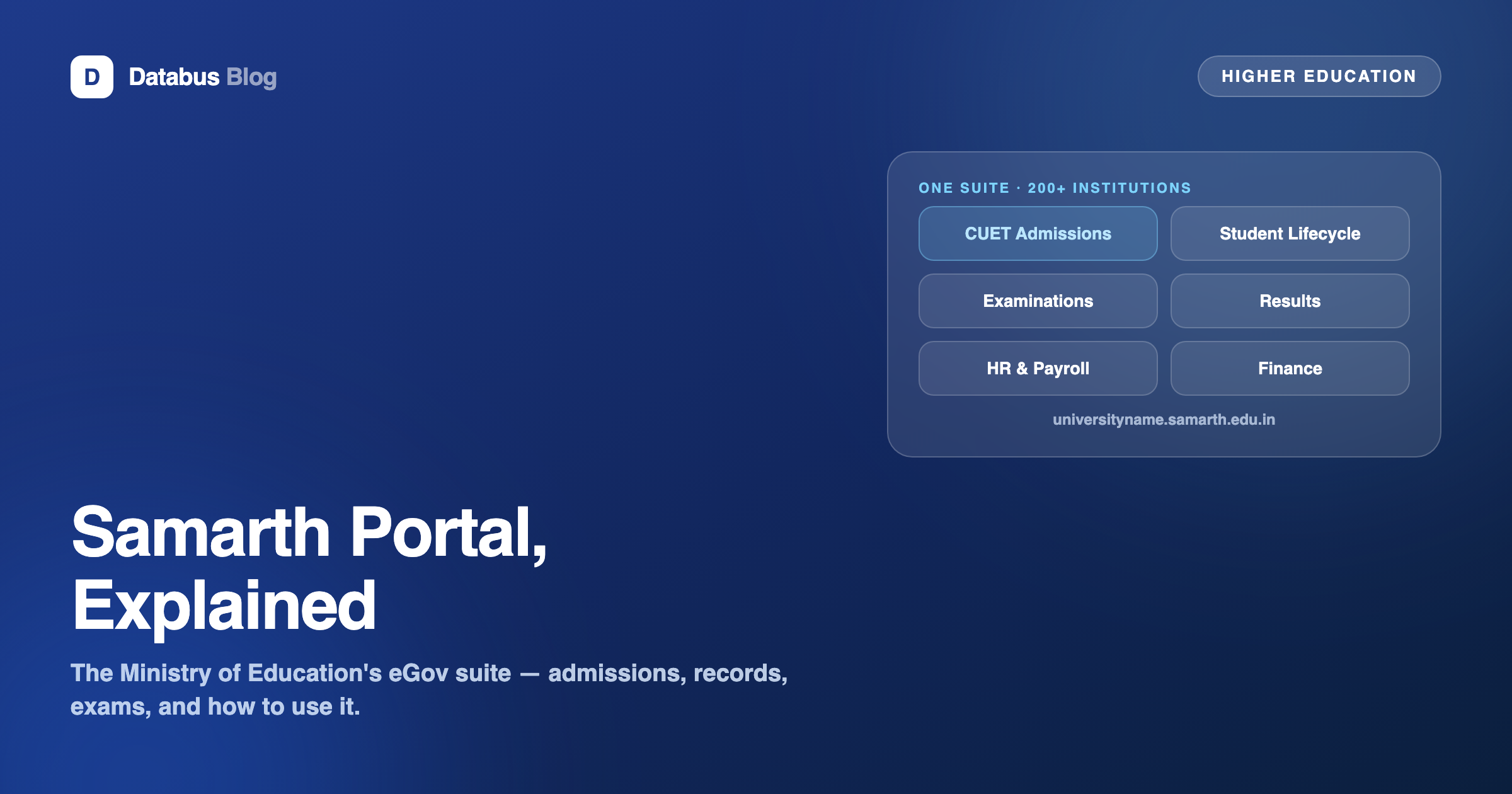
If you have applied to a central university since CUET began, you have almost certainly met Samarth — the government's e-Governance platform that runs admissions, student records and a large slice of back-office administration for public universities. For students it is the portal where CUET counselling and enrolment happen; for university administrators it is an entire ERP. Here is what Samarth actually is, what it covers, and where it fits in the larger landscape of campus software.
What Samarth is
The Samarth eGov Suite is an open-source e-governance platform developed under a Ministry of Education project (initiated under the National Mission on Education through ICT), built and maintained at the University of Delhi. It started around 2019 and has since been rolled out across central universities, many state universities and other higher-education institutions — well over 200 institutions run some part of their administration on it. Institutions get subdomains of the form universityname.samarth.edu.in, which is why every central-university admission link looks similar.
What it covers — the module map
Samarth is modular — dozens of modules across the academic and administrative lifecycle. The ones most people touch:
- Admissions: application forms, CUET-linked counselling, merit lists, seat allocation and fee payment for programme admission.
- Student Lifecycle Management (SLM): the student's ongoing account — course registration, examination forms, hall tickets, results and marksheets.
- Examination: exam scheduling, evaluation workflows and result processing on the university side.
- Administration modules: establishment/HR, payroll, finance and accounts, procurement, file tracking, estate and more — the internal machinery of a public university.
How students use it
- Registration: create an account on the university's Samarth admission portal (name, email, mobile; CUET applicants link their CUET application number).
- Application: fill personal and academic details, upload documents, select programmes, pay the application fee.
- Counselling and allocation: merit lists and seat allocations publish on the same portal; accept the seat and pay the admission fee within the window.
- After admission: the SLM account becomes the ongoing interface — exam forms, hall tickets and results land there, so keep the login credentials safe for your entire degree.
Practical notes that save grief: use one email and mobile for the whole cycle (the account is your identity across rounds), double-check the university-specific portal URL ends in samarth.edu.in, and download every allocation letter and fee receipt at the time — retrieval later is harder.
Why the government built it
Before Samarth, each public university procured (or hand-built) its own admission and records software — uneven quality, recurring procurement cycles, and no shared standards. A common open-source suite gives the sector one well-audited platform, uniform data structures that plug into national systems like AISHE and ABC/DigiLocker, and admissions that scale to CUET's volume. It is the same consolidation logic that made CUET itself: one pipe instead of ninety.
Samarth and commercial campus ERPs — an honest map
Samarth's mandate is public higher education, and the government pathway is the deciding factor: centrally-funded universities are expected to use it, and it is free for them. Where institutions weigh alternatives is outside that mandate — private universities, autonomous and affiliated colleges, deemed universities and standalone institutions, which are free to choose their systems. There the evaluation is the usual one: fit to your workflows (affiliation returns, NIRF/NAAC data assembly, fee structures with instalments and scholarships), implementation support, and how much configuration the institution can carry in-house. That commercial lane — colleges that want an implemented, supported system rather than a platform to self-host — is where CampusAlly operates, and the two coexist across the sector: a college can be on Samarth for CUET admission intake and still run its internal academics, fees and compliance on another system. If your institution is choosing, our comparison pages lay out the trade-offs product by product.
A note on accuracy: Samarth's module list, institutional coverage and admission workflows evolve every cycle — the portal of the specific university you are applying to, and samarth.edu.in itself, are the authority for current process and dates. This is general information.
Frequently Asked Questions
What is the Samarth portal?
The Samarth eGov Suite is an open-source e-governance platform for higher-education institutions, developed under a Ministry of Education project and maintained at the University of Delhi. It runs admissions (including CUET-linked counselling), student lifecycle, examinations and internal administration for 200+ public universities and institutions.
Is Samarth only for CUET admissions?
No — admissions is just the most visible module. Samarth also covers student lifecycle management (course registration, exam forms, results), examination processing, and administrative modules like HR, payroll, finance and file tracking for the university's back office.
How do I register on Samarth for admission?
Go to the specific university's Samarth portal (a samarth.edu.in subdomain), create an account with your email and mobile, link your CUET application number where asked, fill the application, upload documents and pay the fee. Merit lists and seat allocation publish on the same portal.
Is Samarth free for universities?
For centrally-funded universities under the Ministry of Education pathway, Samarth is provided as the government's platform. Institutions outside that mandate — private, autonomous, affiliated — choose their own systems and typically evaluate commercial campus ERPs on fit and support.
I lost my Samarth login — what do I do?
Use the forgot-password flow on your university's own Samarth subdomain with the registered email/mobile. Your account persists across your degree — exam forms, hall tickets and marksheets flow through it — so recover it rather than creating a duplicate.