This is the in-call control surface — admit from the waiting room, lock the meeting, mute all, and remove a participant. The controls a host uses to run the main room, on any meeting, for any audience.
For any host · waiting room · lock meeting · mute all · remove participant · share permission · main-session controls, in the browser.
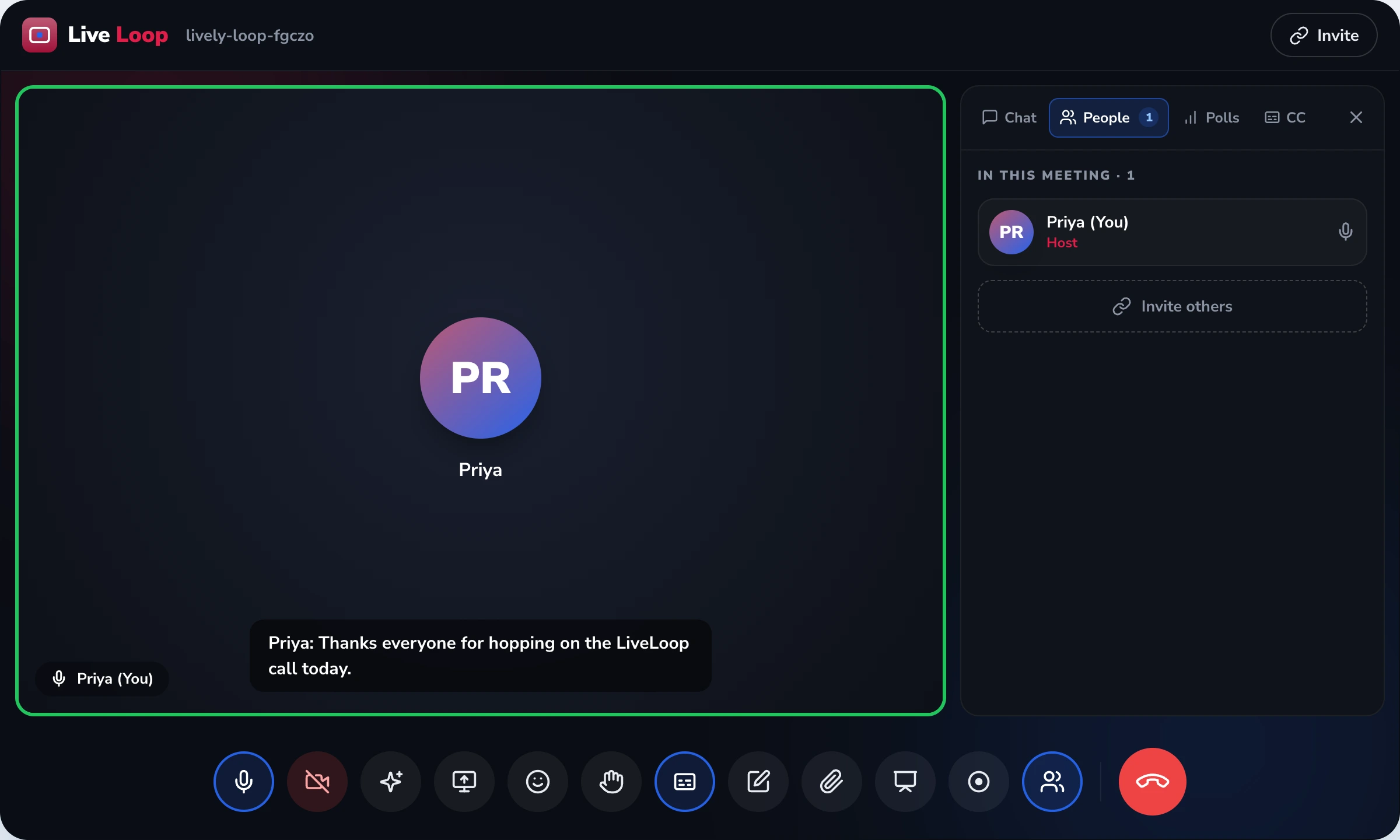
Moderation owns the main-session host controls — what a host uses to run the live room: the waiting room (admit participants, one at a time or all at once), lock meeting (seal the room once everyone's in), mute all (silence everyone in one action, let people unmute), and remove participant (take a disruptive attendee out). These are controls over the main session everyone shares, and they're audience-neutral — same controls for a class, a lecture or a team call. It does not own the join — that's instant-join; nor large-audience Q&A, polls and bring-to-stage — that's webinars; nor the controls inside a breakout room — those are breakout-room controls. The host can grant or restrict who shares, but the share mechanism itself is screen-sharing. Moderation is the host's control over the main room.
A host shouldn't have to think about how to keep order — the controls should be right there. Here's the main-session control surface, what each does and when a host reaches for it — and the last row marks what belongs to other features, not here.
| Control | What it does | When the host uses it | Scope |
|---|---|---|---|
| Waiting room | Hold & admit arrivals | before / during — vet who enters | main session |
| Lock meeting | Seal the room | once everyone expected is in | main session |
| Mute all | Silence everyone, allow unmute | to cut background noise | main session |
| Remove | Take a participant out | when someone is disruptive | main session |
| elsewhere | Q&A · breakout · share · join | a different control model | → webinars · breakout · share |
A dozen unmuted participants in noisy rooms turn a meeting into a wall of feedback, and without a one-action mute-all the host spends minutes asking people individually to mute.
Someone with the link — or who guessed it — walks straight into the room mid-session, and with no waiting room and no lock there's nothing standing between the meeting and a stranger.
When anyone can share at any time, a participant takes over the screen uninvited — and the host needs to have set who's allowed to share before it happens, not scramble after.
One person is derailing the room and the host has no clean way to remove them — so the disruption continues in front of everyone while the host looks for an option that isn't there.
As participants arrive, they wait until the host admits them — one at a time, or all at once. No one walks straight into a meeting that hasn't started, and the host sees who's asking to enter before they do.
When everyone expected has joined, the host locks the meeting, sealing the room so no further participants can enter — for the moment a session is meant to be closed to latecomers or uninvited guests.
The host mutes all participants in a single action to cut background noise, then lets people unmute to speak. This is the everyday control that keeps a live room workable when more than a few people are connected.
The host grants or restricts the permission to share, so sharing isn't open to everyone by default. The act of sharing — the screen, window or tab — is the screen-sharing feature; moderation owns who's allowed to do it.
If someone is disruptive, the host removes them. With the waiting room and lock, this gives the host control over who's in the main room from start to finish. For a large broadcast audience, the Q&A and bring-to-stage model is webinars.
The host approves who enters and seals the room when everyone's in. Together these govern the boundary of the meeting: who gets in, and when the door closes — so an uninvited person simply isn't admitted.
Silencing every participant in one action, with the host able to let people unmute, is what keeps a live room workable. It's the control a host reaches for most, and the difference between a meeting and a noise.
Taking a disruptive attendee out of the meeting is the host's last-resort authority. With entry and floor control, it means the host decides who is in the main room and who can speak, start to finish.
These are main-session host controls — the controls over the room everyone shares. Large-audience broadcast moderation (a moderated Q&A queue with upvoting, audience polls, bring-to-stage) is the webinars feature; controls inside a breakout room are the breakout-rooms feature; the screen-sharing mechanism is screen-sharing (moderation owns the share permission only); and the join experience is instant-join. The underlying media encryption and broader meeting-security posture sit with the platform's security layer; this page owns the host's in-room controls. Runs in the browser — no host app.
LiveLoop keeps the main-session host controls distinct from large-audience broadcast moderation and from breakout-room controls on purpose — they're genuinely different control models. Keeping them apart means this page ranks for "meeting host controls" and never blurs into "webinar software" or "online class platform."
The host controls are audience-neutral; what's in the room differs.
A teacher mutes a noisy room in one tap, locks it once the register is in, and removes a disruptor without stopping the lesson — the controls are right there in the browser.
A tutor admits each student from the waiting room and locks the room, so a shared link can't pull in someone who shouldn't be in the paid batch.
A host vets arrivals at the waiting room, sets who can share before the call, and keeps the floor orderly — so a client meeting stays professional from the first minute.
"What I needed was simple to describe and hard to find: when the room gets noisy, mute everyone in one tap; when an outsider tries to walk in, hold them at the door; when everyone's in, lock it; and if someone's being a problem, remove them. That's it — and that's exactly what this is. The controls are right there in the browser, so I'm running the meeting instead of hunting through menus while thirty people watch. The part I respect is how clearly it knows its edges. It doesn't pretend to be a webinar tool — when I genuinely need a moderated Q&A queue and polls for a big audience, that's a different feature, and the page says so. And the breakout rooms have their own controls. It owns the main room, does that one job completely, and points me to the right place for the rest. That honesty is why I trust it for the room that matters."
What every host asks before trusting a tool to keep the room in order.
We'll show you the main-session host controls on your own meeting — admitting from the waiting room, locking the room, muting all, setting who can share, and removing a disruptive participant — with no host app to download.
See Host Controls →


