LiveLoop Translation · For Indian classrooms, coaching centres & training institutes
A Hindi teacher speaks. A Tamil student reads. An English-medium parent in the same call follows along. The caption is a live ASR-to-MT pipeline — speech-to-text then text-to-text — running per viewer, in the browser, while the class is still happening.
Distinct from the post-session transcript (searchable record, archived) and the AI summary (digest of decisions). This page is the live, on-screen caption during the class.
What is LiveLoop Translation?
LiveLoop Translation is a live, on-screen captioning system for video classes in seven Indian languages. It uses Automatic Speech Recognition (ASR) to convert the speaker's audio into text, then Machine Translation (MT) to render that text in each viewer's chosen language — in roughly one to three seconds, while the class continues. Audio is processed in memory and discarded; the live captions themselves are not archived (the searchable record lives on the transcription page).
7
Indian languages, tiered honestly
~1–3s
Caption latency per clause
RPwD
Act 2016 + UGC accessible higher-ed
0
Audio bytes stored to disk
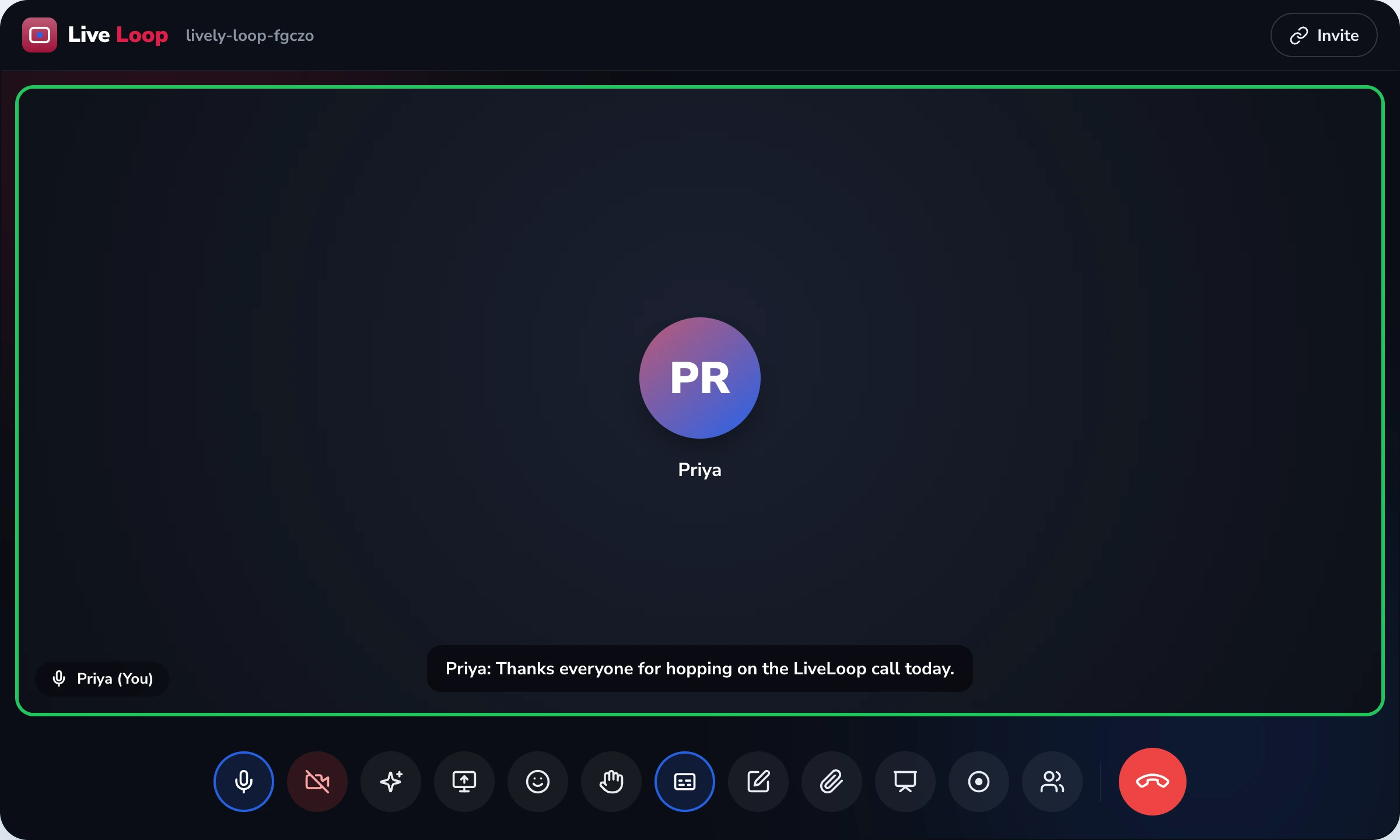
The mechanism, shown
Same moment in time. Three viewers. Three different languages on screen. The speaker changes nothing.
Speaker · Source (Hindi)
Mrs. Sharma · 11:42:14
"1857 का विद्रोह सिर्फ सैनिकों का नहीं था — ज़मींदार, किसान, सब शामिल थे।"
Viewer A · Tamil caption
Mrs. Sharma · 11:42:16
"1857 கிளர்ச்சி வெறும் சிப்பாய்களுடையதல்ல — ஜமீன்தார்கள், விவசாயிகள், அனைவரும் சேர்ந்திருந்தனர்."
Viewer B · English caption
Mrs. Sharma · 11:42:16
"The 1857 revolt wasn't just the soldiers' — zamindars, farmers, all of them joined in."
Not "global business expansion." Specific things that happen in Indian schools, colleges and skill-development institutes every week.
A government school holds a PTM online. The class teacher is most comfortable in Hindi. Half the parents — especially those who migrated to Delhi or Bengaluru for work — read English faster. Captions run per parent. Nobody has to translate awkwardly in the chat.
Same-language captions (English speaker → English caption) let a student who is deaf or hard of hearing follow the live lecture in real time. This is the live equivalent of what RPwD Act 2016 and UGC's Accessible Higher Education guidelines ask institutions to provide.
A skill-development institute pulls a national-level NCVET trainer for a session. The trainer is comfortable in Hindi. The learners read Assamese faster. Captions run live; the trainer doesn't have to slow down or repeat.
Same-language captions are a reading backup for everyone — students on a shared family phone, a parent in a noisy office, anyone whose earbud died. Captions don't replace audio; they catch what audio drops.
Honest accuracy, named per language
Most platforms claim "30+ languages" without distinguishing which actually work. We name the tier on every language. If we can't promise something reliably, we say so.
| Language | Script | Tier | Honest note |
|---|---|---|---|
| English | Latin | Reliable | Indian-English accent handling is solid; the system recognises common Hinglish substitutions ("the class is over na"). |
| Hindi | Devanagari | Reliable | Strong on standard Hindi; rural dialect transcription (Bhojpuri, Awadhi inflection) is weaker — flag this with the teacher. |
| Tamil | Tamil | Acceptable | Good for classroom use; Brahmin-Tamil vs spoken-Madras Tamil distinction is sometimes flattened. |
| Telugu | Telugu | Acceptable | Reliable for AP/Telangana standard; Rayalaseema accent handling improves with custom vocabulary upload. |
| Bengali | Bengali | Acceptable | Kolkata-standard works; Sylheti and rural Bengali variants are noticeably weaker. |
| Marathi | Devanagari | Acceptable | Mumbai/Pune-standard Marathi is solid; Vidarbha and Khandeshi inflections are improving. |
| Kannada | Kannada | Experimental | Recently added; use for accessibility backup, not as the only channel. Active improvement; tier review every quarter. |
Not on the list: Malayalam, Gujarati, Punjabi, Odia, Assamese, Urdu. These are on the roadmap. We list them as "not yet" rather than as fake-supported entries on a "30+ languages" marketing page.
India frameworks LiveLoop captions are designed against
Not ADA. Not Section 508. The frameworks Indian institutions are actually audited against.
Section 16 mandates equal access to education for children with disabilities. Live same-language captions are the live-equivalent of the textbook-accessibility commitment.
UGC's guidance to HEIs (2022) on accessibility of online learning includes captioning for hearing-impaired learners. Live captions on LiveLoop sessions support this commitment in real time.
NEP encourages mother-tongue, regional, and English exposure. Per-viewer caption language directly serves that policy in mixed-medium classes.
When sessions include minors, audio handling matters. LiveLoop processes audio for captioning in ephemeral memory and discards it; nothing is persisted to disk unless cloud recording is separately turned on.
Skill-development sessions under NCVET routinely cross languages — Hindi trainer, regional learners. Live captions remove the awkward "please speak in English, sir" tension.
Captions are part of the same WebRTC browser session that runs the class. No native app, no plugin, no separate captioning service to keep alive.
References: Rights of Persons with Disabilities Act, 2016 (notified 19 Apr 2017) · UGC Guidelines for Accessibility Standards in Higher Education Institutions (2022) · National Education Policy 2020, Three-Language Formula · Digital Personal Data Protection Act, 2023 · National Council for Vocational Education and Training (NCVET) framework · W3C/IETF WebRTC standard (2017).
In November 2025, we ran a national-level safety-supervisor module. The trainer was from Pune, in Hindi. Half the trainees were from interior Assam — they read Assamese better than they hear Hindi, especially at speed. The first session, we tried it without captions. Three trainees stayed silent the whole hour and dropped off in week two. The next month we turned on English captions — Assamese isn't on the list yet — and even reading English, those same kinds of trainees stayed, asked questions in the chat, finished the certification. The captions didn't translate the trainer. They followed the trainer, line by line, so the learner could catch up the moment they fell behind. That's the bit nobody else gets right.
Mrs. Joymati Bora
Skill-Development Coordinator, government-affiliated training institute · Guwahati, Assam · 14 trainers, ~480 learners across NCVET modules · migrated to LiveLoop January 2026
The pipeline has two stages. First, Automatic Speech Recognition (ASR) — a W3C-recognised speech-to-text mechanism — converts the speaker's audio into text in the source language. Second, Machine Translation (MT) renders that source-language text into each viewer's chosen target language. Both stages run during the call; the round-trip per clause is roughly one to three seconds. We deliberately wait for enough words to form a clean clause before showing the caption — accuracy is much better when the system isn't guessing mid-phrase.
If you've heard "AI-powered translation" or "neural translation engine," those are marketing labels for this same ASR-then-MT pipeline. We name the steps because honesty about the mechanism is the only way to be honest about the edges.
The speaker doesn't set a "meeting language." Each viewer picks their own caption language in their own client. In a Class 9 history class, the teacher speaks Hindi; one student reads English captions, another reads Tamil captions, the rest read the original Hindi as same-language captions (or turn captions off entirely). This is a deliberate design choice — a mixed-medium classroom is the default in India, not the exception.
Captions are client-side. They run in your browser. The speaker has no UI to set, no toggle to manage. The only person who needs to do anything is the viewer who wants a different language.
Live same-language captions — English speaker rendered as English captions, Hindi speaker rendered as Hindi captions — are the live-equivalent of textbook accessibility commitments. The Rights of Persons with Disabilities Act, 2016, section 16, requires equal access to education for children with disabilities. UGC's 2022 Guidelines for Accessibility Standards in Higher Education Institutions ask HEIs to provide captioning for online lectures. LiveLoop's captioning is designed to fulfil this commitment in real time, not as a post-session add-on.
Visual handling: captions use a high-contrast overlay (configurable from the participant's caption panel), are labelled with the speaker's name so it's always clear who is talking, and can be enlarged on a per-user basis. We don't claim ADA or WCAG conformance because those are US/global frameworks Indian institutions aren't typically audited against — RPwD and UGC are.
The single most common complaint with English-default captioning tools is mis-rendering of Indian names. "Padmavati" comes out as "Padma watty." "Tamilakam" comes out as "tamil a calm." That's a fixable problem. The host can upload a custom vocabulary list before the session — student rolls, faculty names, institution acronyms (KVS, JNV, CBSE, ICSE), subject-specific terms (photolithography, syllogism, Tamilakam, Mauryan, Vishishtadvaita) — and the ASR stage recognises and spells them correctly from the first occurrence.
This is the same custom-vocabulary mechanism the transcription page uses for searchable post-session transcripts. The list is shared across both features; you upload it once, and both live captions and the saved transcript benefit.
For captioning, audio is read into memory in short windows, the ASR stage produces text, and the audio buffer is discarded. The text — not the audio — is what gets translated and shown on screen. We do not write the audio to disk for captioning, do not retain it for "improving the model," and do not send it to a human reviewer.
If you do turn on cloud recording, that's a deliberate, separate switch with its own permission prompt and consent flow — recording stores an MP4. Captioning by itself, without recording, persists nothing.
Calendar permissions and OAuth scope (we only request calendar-event access, never inbox or contacts) are detailed on the security feature page. Captions don't touch the calendar surface.
Four LiveLoop features touch language or intelligence in some way. They are deliberately not the same page:
If you want raw caption-stream API access or webhook integration, that lives on the integrations page, not here. This page is the live, in-browser viewer experience.
| Approach | LiveLoop live captions | Human interpreter | No captioning |
|---|---|---|---|
| Setup time per class | Click "CC", choose language. Seconds. | Book days ahead; coordinate availability | Zero — but viewers fall behind silently |
| Cost per session | Included in the LiveLoop subscription | ₹2,000–₹8,000+ per session in India | None — but accessibility obligation unmet |
| Language combinations | Each viewer picks independently — 7 today | One interpreter, one pair of languages | N/A |
| Hearing-impaired student support | Same-language live captions, speaker-labelled | Separate sign-language interpreter required | Excluded |
| Privacy posture | Audio processed in memory; not retained | Third party hears every minute of the class | N/A |
| Indian-language coverage | 7 today, tier-graded; more on roadmap | Depends on interpreter availability in your city | N/A |
| Accuracy on student/subject names | Custom vocabulary upload fixes this | Depends on interpreter's familiarity | N/A |
| What it doesn't do | Doesn't replace sign-language interpretation; doesn't archive captions (use transcription) | Doesn't scale to many simultaneous language pairs | Doesn't meet RPwD/UGC accessibility commitments |
| Best for | Daily mixed-medium classes, PTMs, training | Single high-stakes events (governing body meeting) | Single-language, fully-monolingual cohorts |
Parent-teacher meetings where the teacher is most fluent in the regional language, and one or two parents have moved to a metro and are now stronger in English. Special-needs students who follow live class better with text running alongside audio. PTAs sharing announcements live with parents who travel out for work.
Multi-state cohorts in a single live lecture — a guest faculty from JNU lecturing in Hindi to a class with students from Tamil Nadu and Kerala on the call. Enabling Unit / Equal Opportunity Cell commitments under UGC accessible higher-ed guidelines.
National-coverage coaching where the star faculty is bilingual but the student base spans Tier 2/3 cities. Captions let the same recorded lecture serve students who'd otherwise miss the regional-language nuances or technical terms in another language.
Government-affiliated skill institutes pulling national-level trainers for sessions where the trainer's working language and the learners' reading language differ. The drop-off problem (silence in week one, withdrawal by week two) is the one captions most directly fix.
Common questions
Pairs naturally with
Searchable record
The post-session searchable transcript. Click any sentence, jump the video player to that moment.
View transcription →
Decisions, action items
Post-session digest of key decisions and action items. Extractive — pulls sentences from the transcript, not generative.
View AI assistant →
Audio quality
Adaptive bitrate keeps audio (and therefore captions) intelligible when bandwidth drops. The reason captions don't break on weak networks.
View HD video & audio →
Browser-only join
No app, no plugin, no install — same browser-only architecture that lets captions run inside the same session.
View instant join →
A 20-minute demo. We'll show you live captions on a real Hindi-medium class, with a Tamil and English viewer side-by-side. No deck.


