This is the view that surfaces it in week six, not week twenty — a live picture of syllabus pacing across every class and section, so an academic head can see which class is on track and which is slipping while there's still term left to recover.
For the principal & academic coordinator · live completion by section · NEP 2020 5E & NCF-SE 2023 · a prompt to look, never a verdict on a teacher.
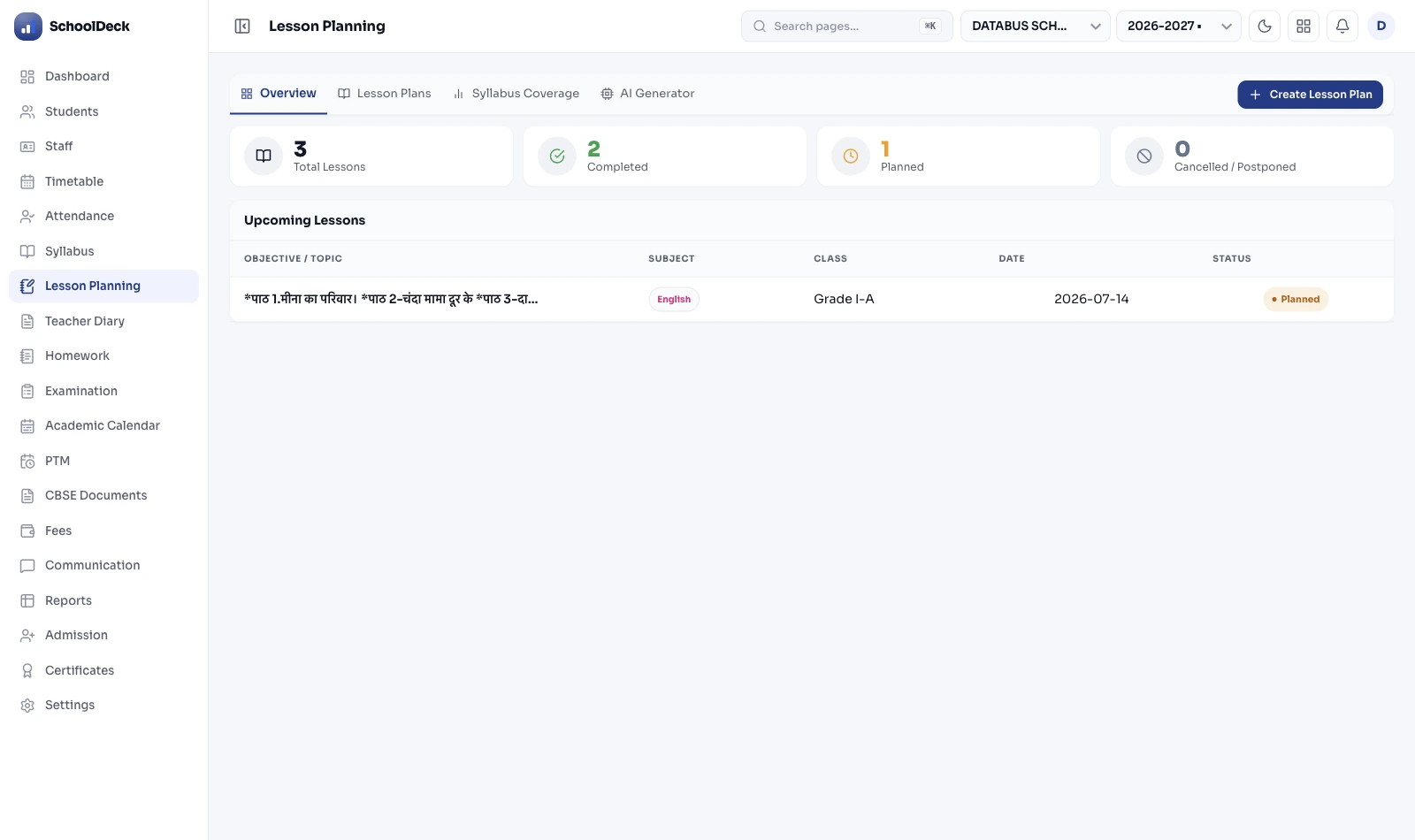
School syllabus pacing is how far through the planned curriculum each class and section actually is, measured against where they should be by the calendar. This page is the buyer-outcome oversight view for the principal or academic head — a live syllabus-completion picture across every section, so a class falling behind is visible early enough to act on. It reads from the period-wise plans teachers build; the planning tool itself — 5E unit building, cloning last year's plan, NCF-SE mapping, period-anchoring — is the separate Lesson Planner feature. Delivery and study material are the LMS solution; formal assessment is Examinations; daily assignments are Homework Management. The coaching-centre equivalent is a separate TutorDesk feature.
Ms Iyengar opens the pacing view in week six. Most sections are where they should be. One isn't — and because she can see it now, against the expected pace, she can do something about Class 9 Science Section B before it becomes a results conversation in March.
| Class / Section · Subject | Covered vs expected | Status |
|---|---|---|
| 9-A · Science | 78% | On track |
| 9-B · Science | 61% | A unit behind |
| 9-A · Mathematics | 72% | On track |
| 9-B · Mathematics | 70% | On track |
| 10-A · Social Science | 66% | Slightly behind |
| 10-B · Social Science | 73% | On track |
One section's marks crater and only then does anyone realise a whole unit was rushed or skipped. The information existed all term — it just lived in a teacher's diary nobody read until it was too late.
"We're at 70% overall" sounds fine. It hides the section sitting at 55% behind a section at 85%. An average is exactly the wrong number for a problem that lives in one section.
Every teacher keeps a plan, but there's no way to see across them. The academic head asks for a status and gets six different formats a week later, by which point it's stale.
Tracking pages turned, not units understood, rewards rushing. Pacing measured against NEP 2020 units and the 5E model is about whether the curriculum was actually taught, not skimmed.
Subject teachers build period-wise plans in the Lesson Planner — units mapped to the NEP 2020 5E model and NCF-SE 2023, often cloned from last year and adjusted. That's the prep work this solution reads from; the tool is the feature, this page is the oversight.
As teachers mark units planned and covered, the solution rolls those plans into one live view — the percentage of the term's planned syllabus actually covered, by class and section, against where the calendar says they should be.
When two sections of the same subject drift apart — 9-A at 78%, 9-B at 61% — the academic head sees it in week six, not when the pre-board results arrive. The gap is a prompt to look, never a verdict on a teacher.
With the lagging section visible, the academic head can reallocate periods, schedule a catch-up, move a unit, or simply ask the teacher what's slowing them down — while there's still term left to recover.
At term-end the completion view is an honest record of what was covered, which informs next year's pacing and the cloned plans teachers start from — closing the loop without anyone re-keying a spreadsheet.
Plans are structured on the Engage / Explore / Explain / Elaborate / Evaluate model the NCERT recommends, so pacing reflects competency-based teaching under the 5+3+3+4 structure — not pages turned.
The National Curriculum Framework for School Education (August 2023) gives the unit structure that plans map to, so "a unit behind" means something consistent across sections and subjects.
For the Foundational stage (Pre-Primary + Classes 1–2), the National Curriculum Framework for the Foundational Stage (October 2022) provides the age-appropriate frame the planning aligns to.
Framework references: National Education Policy 2020 (Ministry of Education, 29 July 2020; 5+3+3+4 stages); NCF-SE 2023 (August 2023); NCF-FS 2022 (October 2022); 5E Instructional Model (NCERT-recommended). Pacing is an oversight measure to support teaching, not a basis for ranking or penalising staff.
SchoolDeck keeps the planning-oversight outcome and the teacher's planning tool as separate pages on purpose — and keeps the school's section-wise pacing distinct from the coaching-centre lesson-planning feature.
The pacing picture is the same; who reads it and how wide it spans changes with the school.
One campus, a few sections per grade. The VP-Academics opens the pacing view at the start of the week, spots the one section drifting, and has a quiet word with the teacher — oversight that takes minutes, not a meeting.
A head of department watches pacing for their subject across every section and teacher — making sure Class 10 Science is uniformly on track before the boards, and catching the one section that's lagging while it's still recoverable.
Several branches, standardised syllabi. The academic director compares pacing across campuses, feeding the wider analytics dashboard — without waiting on monthly reports from each branch.
"As the academic coordinator I used to ask every teacher for a syllabus status before the pre-boards, and by the time the six different formats reached me, the term was nearly over. The honest truth is I only ever found out a section had fallen behind from the marks — which is the worst possible time, because there's nothing left to do. The pacing view changed the timing, and timing was the whole problem. Now I can see in the first half of the term that one Class 9 section is a unit behind the other, measured against where they ought to be, and I treat it as a question rather than an accusation — usually there's a real reason, and usually we can reclaim a few periods. I'm careful to keep it that way; the moment a completion percentage becomes a stick to beat teachers with, they stop being honest about it and the whole thing is worthless. Used as a prompt to help, it's the most useful screen I open all week."
What every principal, vice-principal, and academic coordinator asks before they change how syllabus oversight is run.
We'll show you the live syllabus-completion view across sections, how it reads from teachers' plans without double entry, and how an academic head uses it to catch a lagging section early — in a 30-minute demo on your school's structure.
Book the Syllabus-Pacing Demo →


