Privacy, oversight, and how this compares to what you're using now.
Can students or teachers see each other's phone numbers?
No. Number masking means all messaging happens inside the TutorDesk app, so teachers and students never see each other's personal numbers. It keeps a teacher's private number off student devices and stops contact moving to channels the institute can't see.
Can admins read teacher-student messages?
Yes, and everyone is told this at sign-up. Admins can open the chat between any teacher and student for safeguarding and disputes. The system can flag messages with words you choose, but it only surfaces them to a human admin to review and decide — no automated action is taken on a student, in line with POCSO Act 2012 and DPDP Act 2023.
How does number masking actually work?
Messaging is routed through the app, so a personal number is never shown to the other person. This is structural access control — the number simply isn't displayed — not encryption. We say that plainly rather than calling it something it isn't.
Does TutorDesk still send WhatsApp messages to parents?
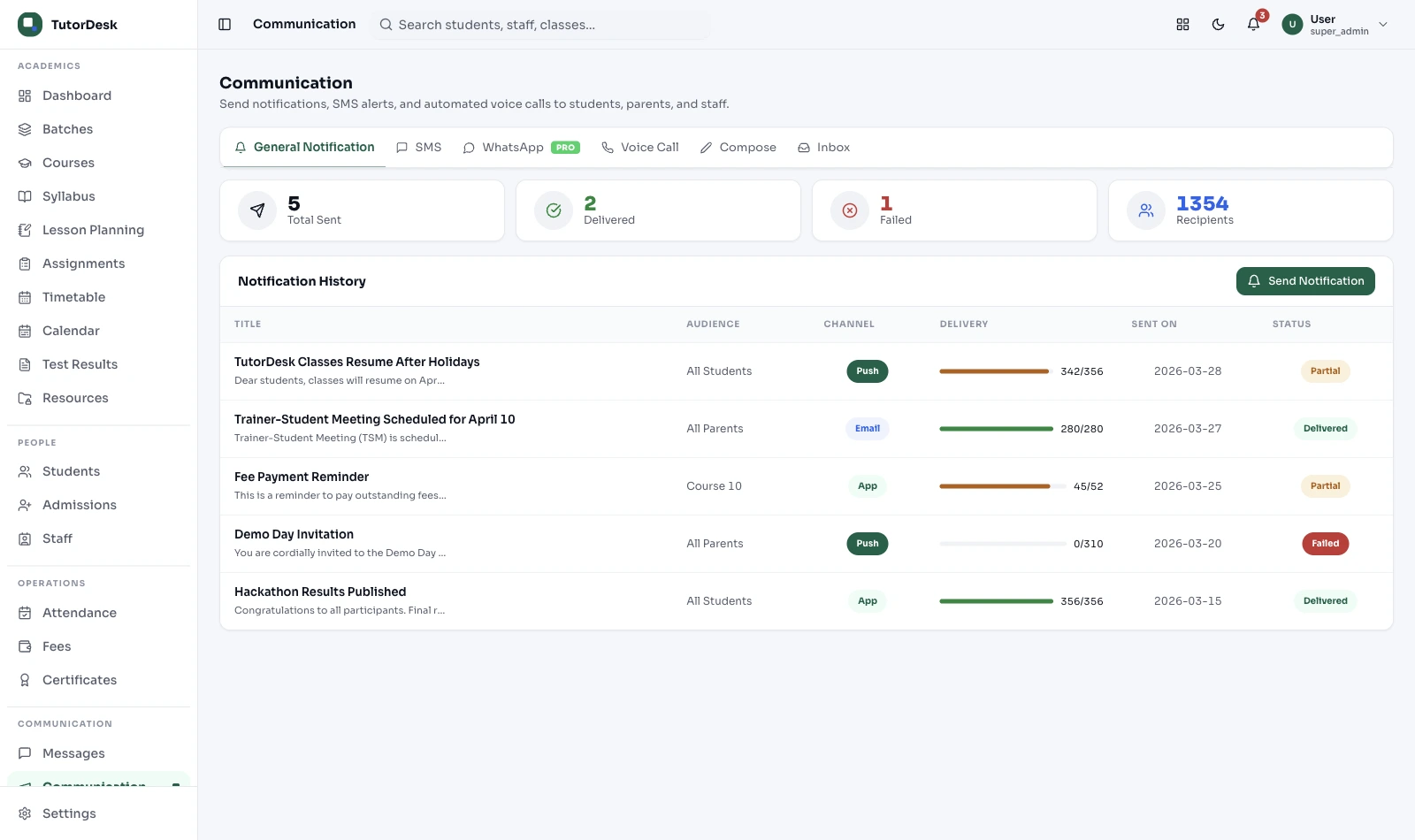
Yes. System alerts go out through the WhatsApp Business API from your institute's branded sender, registered on TRAI DLT. They're one-way utility messages, not two-way chats, so no teacher's personal number is used. Which alerts go out is set in the Parent Communication guide.
What if a parent disputes something a teacher said?
Every message sits in an append-only log, so an admin can open and export the full chat as a PDF. Messages can't be edited or deleted after sending, which makes it a far more reliable record than a screenshot from personal WhatsApp.
Can I pause chat for one student without removing them?
Yes. An admin can mute or revoke a single student's messaging — say, as a disciplinary step — without touching their batch enrolment, attendance or study materials. Access can be restored any time from the admin panel.
Can a teacher run one chat for a whole batch?
Yes. Each batch has a group chat, and the teacher can switch it to Announcement Mode so only they can post — handy for notes and reminders without the thread filling with off-topic replies. Every group message is in the same audit log.
Is the chat on the student and parent app?
Yes. The full chat is in the TutorDesk student app with push notifications, and parents get a parent view. Notifications and offline behaviour are covered on the Mobile App page.
Where do I set up automatic parent updates like attendance and results?
This page covers the messaging channel itself. The workflows for keeping parents updated — attendance alerts, result sharing and reminder cadence — are set up in the Student & Parent Communication guide, and fee reminders live in Fee Collection.