What owners ask most before moving off spreadsheets.
What's the difference between the Student CRM and the Enquiry CRM?
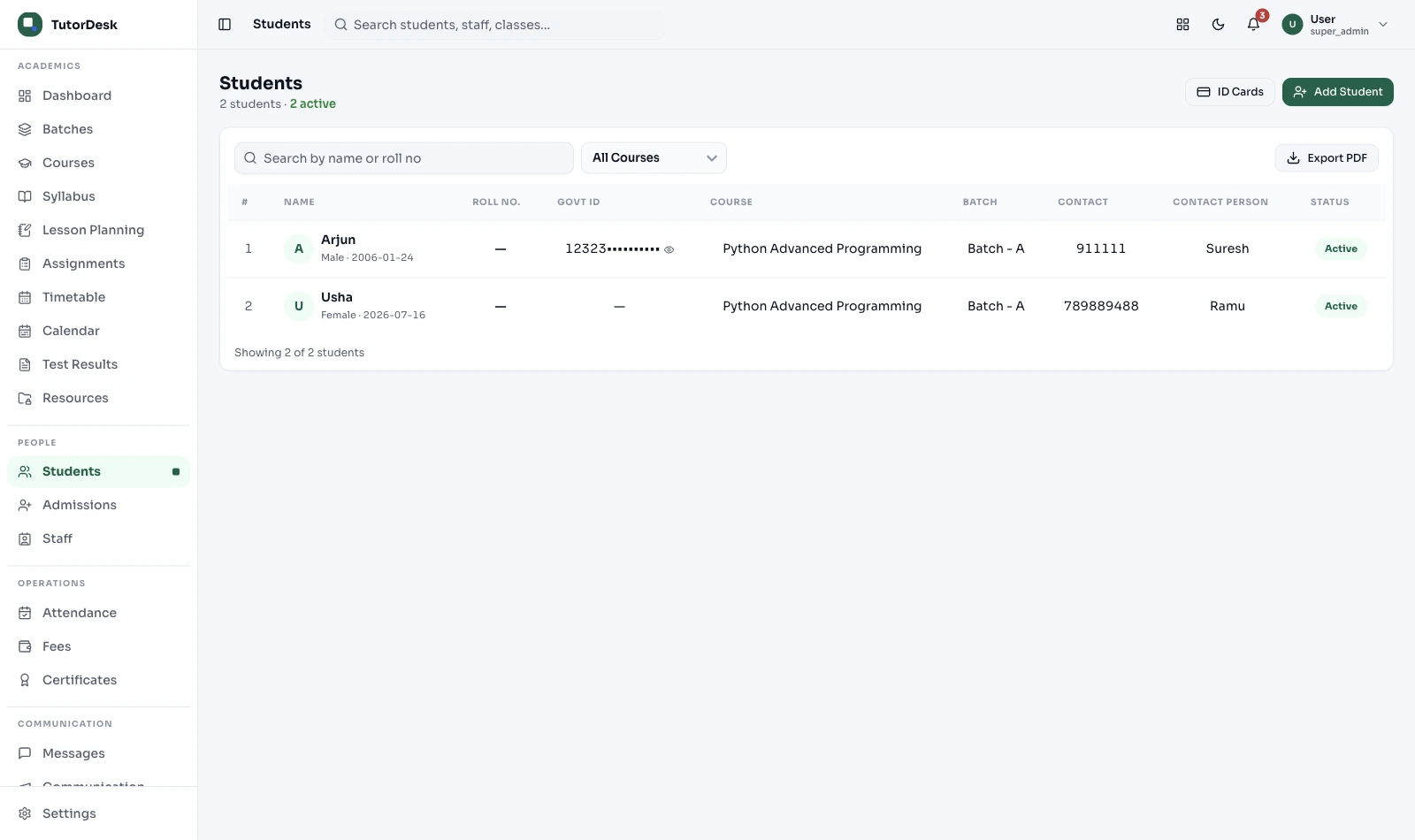
The Enquiry CRM handles people before they enrol — capturing leads, following up, booking demos and converting them. The Student CRM is the record of students after they enrol — batches, attendance, fees, documents and parent contacts. When an enquiry converts, that record moves here automatically, so the two never duplicate.
How is this different from a generic CRM like Salesforce?
Salesforce is built around deals and revenue — it has no idea what a batch, attendance record or parent-student family link is. TutorDesk's student CRM is education-specific: each profile connects to the batch, test scores, fee status and parent contact with no custom coding, and it's sized and priced for coaching centres rather than enterprise sales teams.
Can I import existing students from Excel or CSV?
Yes. The bulk import tool accepts CSV and Excel. You map your columns — Name, Grade, Parent Phone, Batch — and the profiles are created in one pass after a duplicate check. If your sheet needs cleaning first, the TutorDesk team can help with the migration.
Can one parent login see all their children's records?
Yes. Family mapping links siblings to one parent account, so a parent sees each child's attendance, scores and fee status under one login. Combining sibling fees into a single bill is set up in Fee Collection, which reads the family link from here.
Can I add custom fields to student profiles?
Yes. Add fields specific to your centre — Exam Board, Target Exam, School Name, Referral Source. They show on every profile, can be used to filter and segment your roster, and are included in CSV exports.
Is the student record accessible on mobile?
Yes. Teachers and admins open any student's full profile from the app on Android or iOS — attendance, recent scores, fee status, internal notes — in a few taps. The app is covered on the Mobile App page.
Can I export my data, and who can see a profile?
You can export the full database, including custom fields, to CSV or Excel any time — your data is portable, no lock-in. Records are access-controlled, so a profile is visible only to assigned staff, and data of under-18 students is handled in line with DPDP Act 2023 consent rules.
Where do I see test trends and send parent progress reports?
Latest scores and attendance show on the profile here. Deeper trend charts and the automatic weekly progress reports to parents are handled in Progress Tracking, which reads the data from this record.