Parents don't leave institutes that keep them in the loop. TutorDesk sends an instant alert when a student misses class and shares clear progress updates — so families trust you, and fewer students quietly drift away.
What is attendance & progress tracking for coaching centres?
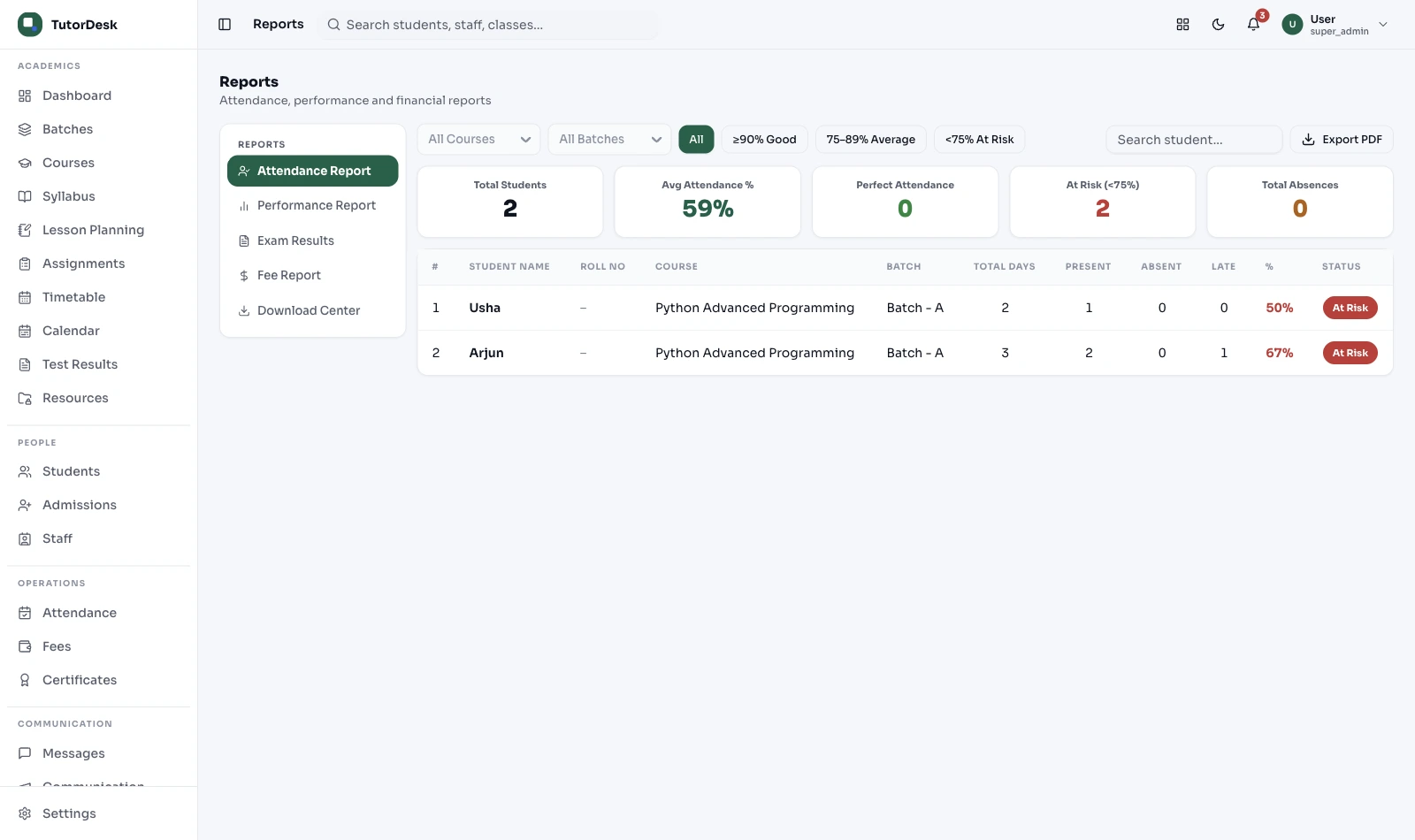
It's how a coaching institute keeps parents informed that their child attended class and is improving — an instant alert when a student is marked absent, and regular updates on attendance and test results. The point isn't to police students; it's to give parents peace of mind, so they trust the institute and keep their child enrolled. In TutorDesk it runs quietly in the background, with families always able to check for themselves.
What changes for everyone
Attendance and progress tracking isn't really about data. It's about what the family feels and what the institute keeps.
| Moment | What the parent gets | What your institute gains |
|---|---|---|
| Student misses class | An instant, calm alert — no nasty surprise later | Trust, and a safety record if anyone ever asks |
| End of the month | A clear attendance and marks summary | No "where's the report?" calls to the office |
| Marks start slipping | A heads-up that a teacher is paying attention | A chance to help before the parent considers leaving |
| Anytime | Their own login to check attendance and results | Fewer interruptions, more credibility |
How institutes roll it out
Most centres begin with nothing more than the teacher's phone.
Teacher app or a QR ID scan — least invasive, enough for most
When an absent alert fires, with consent and DLT templates
Parents check attendance and results themselves
Regular progress updates go out automatically
Each week, a teacher reaches out to students slipping
By institute type
The updates are the same; what they solve depends on who you teach.
Two-year journeys where motivation dips mid-way. Catching a drop in attendance or marks early — and having a teacher step in — is how you keep a student from quietly giving up.
Dropout preventionYounger students, anxious parents. A simple "your child reached class" message is worth more than any feature list — it's the reason a parent recommends you to three others.
Parent peace of mindParents expect the same experience at every branch. One consistent way of marking attendance and updating families keeps your brand promise intact across locations.
Consistency"Did they actually attend the online class?" is the question. Attendance logged when a student joins the live session answers it without anyone chasing screenshots.
Online presenceWhy owners switch
It isn't surveillance of children — it's keeping families informed and stepping in with care.
Families who hear from you regularly stay, and refer others.
Catch a slipping student early, while there's still time to help.
Parents check attendance and marks themselves, anytime.
Pre-approved templates from a TRAI DLT-registered sender — not spam.
Student data, including any biometric, only with parental consent under DPDP Act 2023.
A slipping student is a nudge for a teacher — never an automatic verdict.
This page is the outcome — trust and retention. The tool that produces the trend charts, the at-risk nudge and the automatic parent progress reports is the Progress Tracking feature. Read this for the why; open that for how it's built.
See the Progress Tracking feature →Frequently asked questions
Outcome, consent, and how this fits the rest of TutorDesk.
How is a student's attendance marked?
The simplest way is the teacher marking it from the app, or scanning a QR code on the student's ID card. For online classes, attendance is logged when the student joins the live session. Fingerprint biometric is supported as an optional integration, but only where you have verifiable parental consent for under-18 students under DPDP Act 2023 — most centres don't need it.
When is the absent alert sent to parents?
Soon after the student is marked absent or late. It goes out as a consent-based, pre-approved template from a TRAI DLT-registered sender, so it reaches families properly rather than as spam. The messaging channel is covered in Secure Chat.
Can parents see attendance and progress themselves?
Yes. Parents get their own view of monthly attendance, test results and teacher remarks, so they don't have to call the office. The detailed trend charts and automatic progress reports are produced by the Progress Tracking feature.
Does it flag students who might be slipping?
It surfaces the objective facts — falling attendance or dropping marks — as a nudge for a teacher to check in, not as an automatic verdict on the child. A human decides what to do. How the nudge is produced lives in Progress Tracking.
Can attendance be corrected after it's marked?
Yes. If a student forgot their ID or a device failed, an admin can correct the record and mark them present with a remark, so the history stays accurate.
Does it handle subject-wise attendance?
Yes. Attendance is per session, so a student can be present for Physics and absent for Chemistry on the same day, and the parent view and reports reflect that.
Do we need to buy hardware?
No. TutorDesk is software — most institutes just use the teacher app or a QR ID scan. If you already own a standard USB fingerprint device it can be integrated, subject to parental consent for minors, but it's never required.
Is this the same as the Progress Tracking feature?
They're a pair. This page is the outcome — why an institute tracks attendance and progress and how it builds trust. The Progress Tracking feature is the engine that makes the trends, nudges and parent reports.
Get started
A 30-minute demo — we'll show the absent alert, the parent view and the weekly nudges, live.


